Dabble User Profiles | Everything There is to Know
Dabble User Profiles
Every user on the Dabble app has a personal profile that includes essential elements like a ‘Username’ and a ‘Bio.’ These details are visible to all other punters on the platform, fostering a community environment. The visibility of your betting activity, however, can be controlled based on your privacy settings—whether you choose to set your profile as Public or Private, and whether individual bets are Visible or Hidden.

Public vs. Private Profiles
Public profiles are open for all users to follow and view bets that are set to visible, with followers being automatically accepted. In contrast, Private profiles offer more control, allowing users to manually accept or reject follow requests. To toggle between Public and Private settings:
- Go to account settings via the settings cog.
- Tap ‘Edit Profile’.
- Scroll to ‘Privacy Setting’ and select your preferred option.
Bet Visibility Options
Regardless of your profile’s privacy settings, you can choose to make individual bets visible or hidden. This is controlled by the Eye symbol on each bet within your profile:
- A green Eye symbol indicates a visible bet.
- A grey Eye symbol shows a bet is hidden. To change a bet’s visibility, simply toggle the Eye symbol accordingly. This feature allows users to maintain control over what betting information they share on their profile.
Verified Profiles
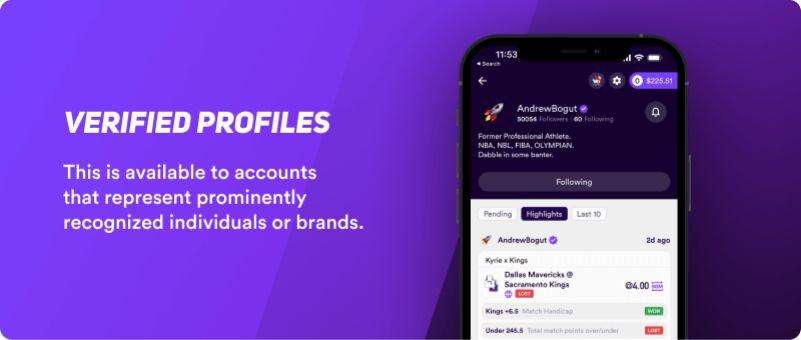
Dabble offers a Verified Check for users who wish to authenticate their profiles, especially if they are well-known individuals or brands. To qualify, a profile must include publicly visible, identifiable information in the Username, Display Name, or Bio.
Eligibility for this verification depends on several factors, including social media presence, activity on the Dabble app, and prominence in the sports or racing community. Interested users can apply by sending an email to [email protected] with their profile details.
Follow Others
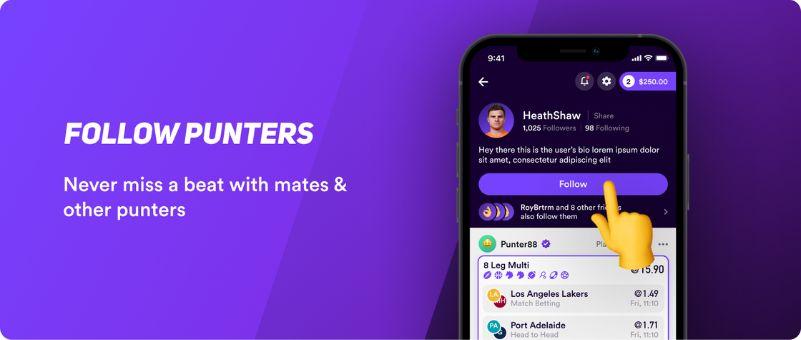
On Dabble, following other punters allows their betting activity to appear in your feed. You can automatically follow users with Public Profiles by tapping ‘Follow.’ For Private Profiles, you must send a follow request and await approval.
To follow someone, use the search feature to find and select their profile. Successfully followed users’ bets will then show up in your activity feed, enhancing the social aspect of betting. Feedback on the ‘Follow’ feature is encouraged via the suggestion box.
Community and Feedback
Profiles on the Dabble app significantly enhance the social betting experience by enabling users to interact through visible activities and shared interests.
Users are encouraged to participate in community activities like the Banter channels, which offer a dynamic space for discussion and engagement. Feedback is highly valued, and users are invited to contribute suggestions for improvements via the Suggestion Box.
Additional Features
For users with public profiles, the Verified Check is an additional feature that signifies trust and authenticity. For more detailed rules and engagement guidelines within the community, users can refer to the Community Guidelines.
For an in-depth understanding of how Dabble enhances your betting experience with its community features, check out our full Dabble review.
For a thorough analysis of Dabble’s unique betting platform and community features, read our full Dabble review, and for the latest sign-up codes and promotional details, visit our Dabble code page.
Related Articles